
Display dates the way your users expect
Local Date Format gives customers and partners more control over how dates are displayed, improving clarity and reducing friction.
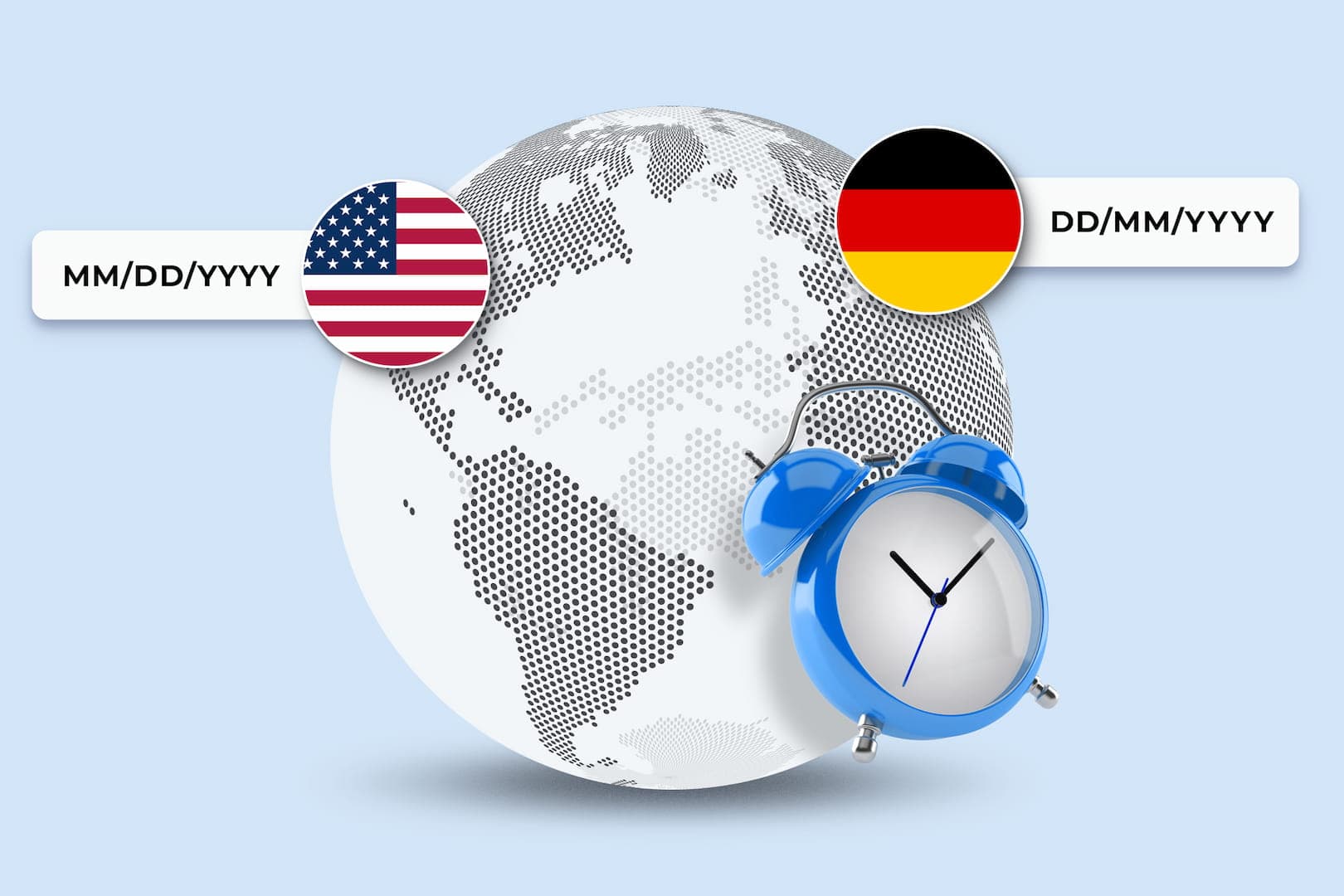
Introducing Local Date Format in Scrive
Scrive now supports Local Date Format, giving customers and partners more control over how dates are displayed in documents and the verification page. Whether your business operates in a single country or across multiple markets, this improves clarity, reduces friction, and ensures your documents reflect local expectations.
How it works
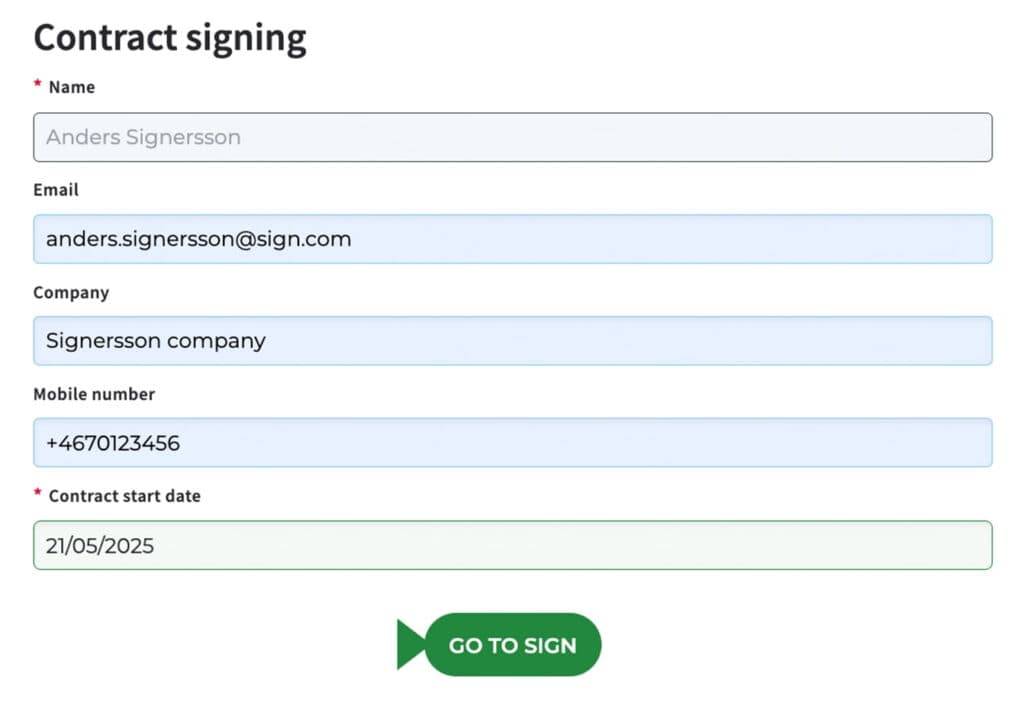
Once the preferred date format has been set for your account, this is how it works:
- Add fields as usual
Add date and sign date fields when setting up a new process, as required. The chosen format is shown automatically. - During signing
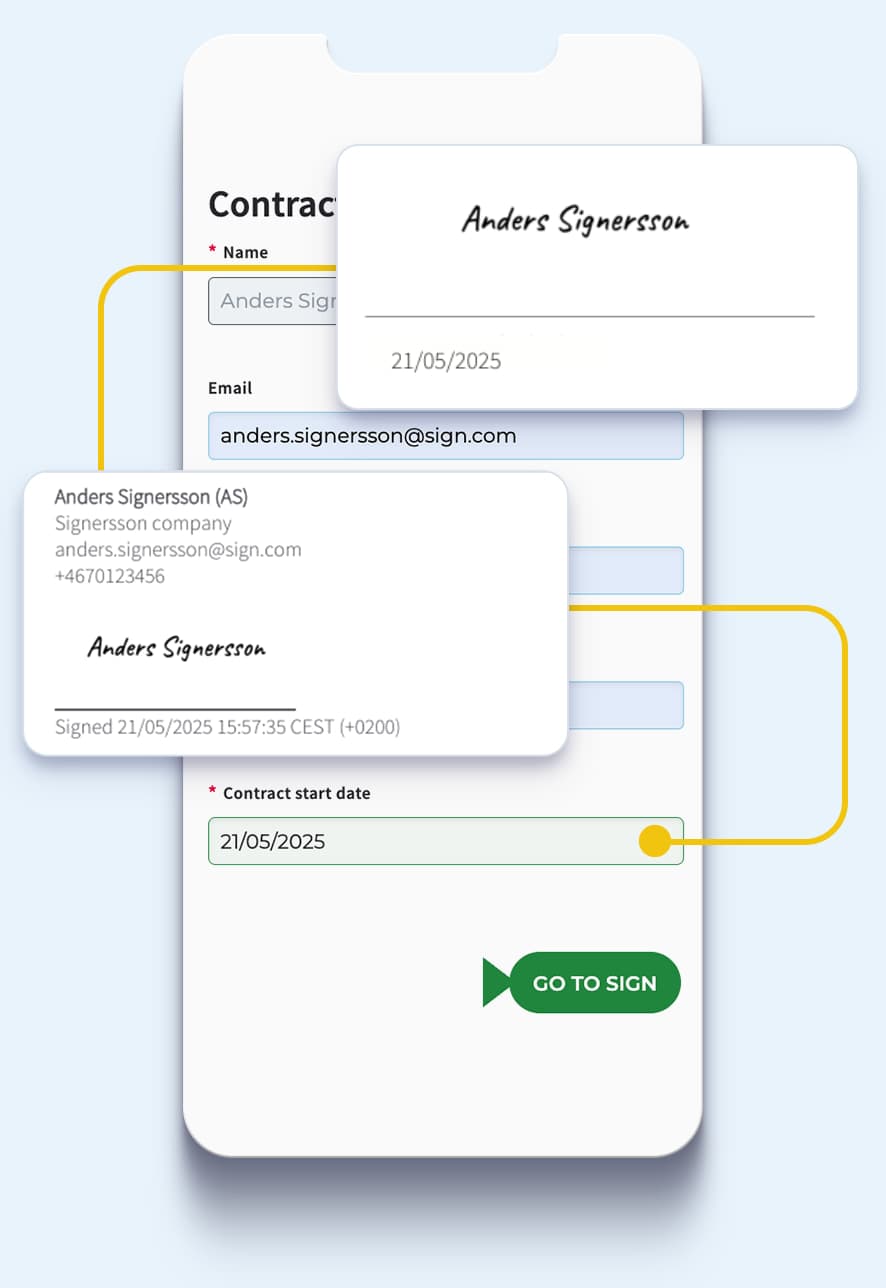
Signers can select a date from the calendar or enter it manually. The sign date field is filled in automatically when signing. Both will be shown in the set format. - After signing
The fields and verification page reflect the chosen date format.
Why this matters

Enhanced usability
Support for local date formats helps meet regional norms and regulatory requirements when working with clients or stakeholders across different markets.

Fewer errors, faster completion
By removing ambiguity in date presentation, document preparation becomes quicker and smoother. This leads to fewer mistakes, faster turnaround times, and a better overall experience for all parties involved.

Trust and compliance across markets
Local formats improve alignment with client expectations and help mitigate the risk of disputes caused by misinterpreted dates which is especially critical in legal or time-sensitive documents.
A practical example
A German company operates across Europe and the U.S.
In Germany, a typical format is DD/MM/YYYY (e.g. 05/04/2025), while US customers and partners expect MM/DD/YYYY (e.g. 04/05/2025).
With Local Date Format, you can set it so that each user group can view and interact with documents in the format they recognise, improving clarity, compliance and customer confidence.
Where this applies
Local Date Format now applies to:
- Date fields
- Sign date fields
- Dates displayed on the verification page
Note that all other dates in Scrive (e.g. on the platform UI or within non-signing flows) will continue to use the standard YYYY-MM-DD format.
Ready to tailor your documents to your users?
Speak to your Scrive contact person to enable Local Date Format, or contact Scrive Support if you have questions about rollout and compatibility.