
User administration guide
If you are delegating any admin tasks to a colleague, they may also find the following guide helpful.
User admin
To ensure a smooth handover and a productive vacation period, this guide lists our top recommendations on how to make the most out of your Scrive processes during your time off.
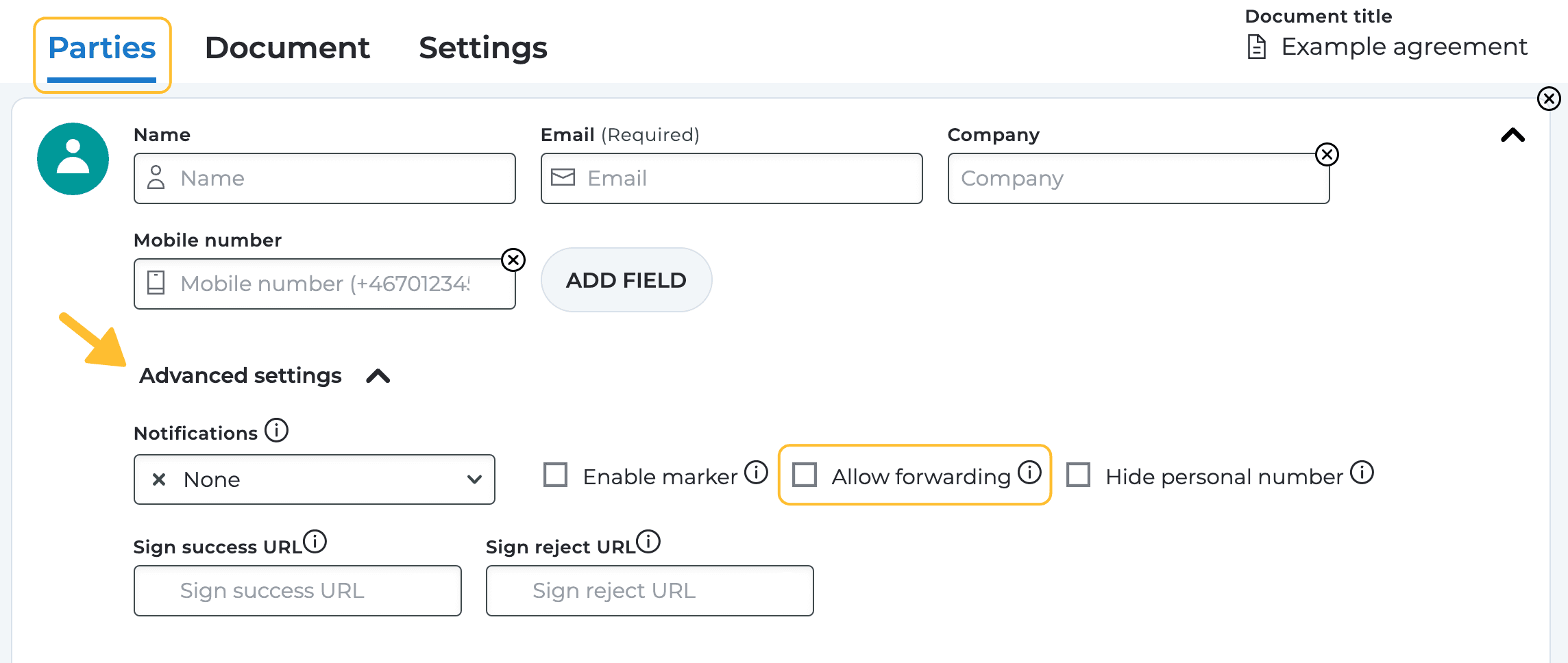
Not sure who will be available to sign your document? Allow forwarding to make it possible for the signing party to send forth the invitation to sign (or approve) to someone else.
The setting can be found when you set up a signing process under the Parties tab > Advanced settings.
Note that this feature is not included in the Essential price plan. If you are interested in upgrading your subscription, reach out to your contact at Scrive or our Sales team.
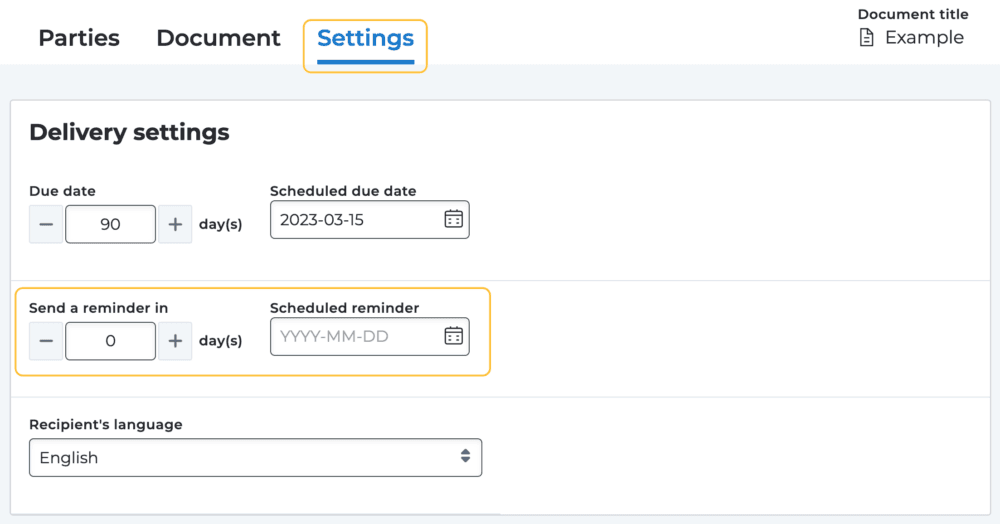
Anticipating any signatures while you’re away? Stay on top of any pending signatures by setting a scheduled reminder under the Settings tab whilst configuring your signing process.
By doing this, any parties who haven’t completed their required action by a specified date will receive an automatic reminder via email or SMS (based on the chosen invitation method).
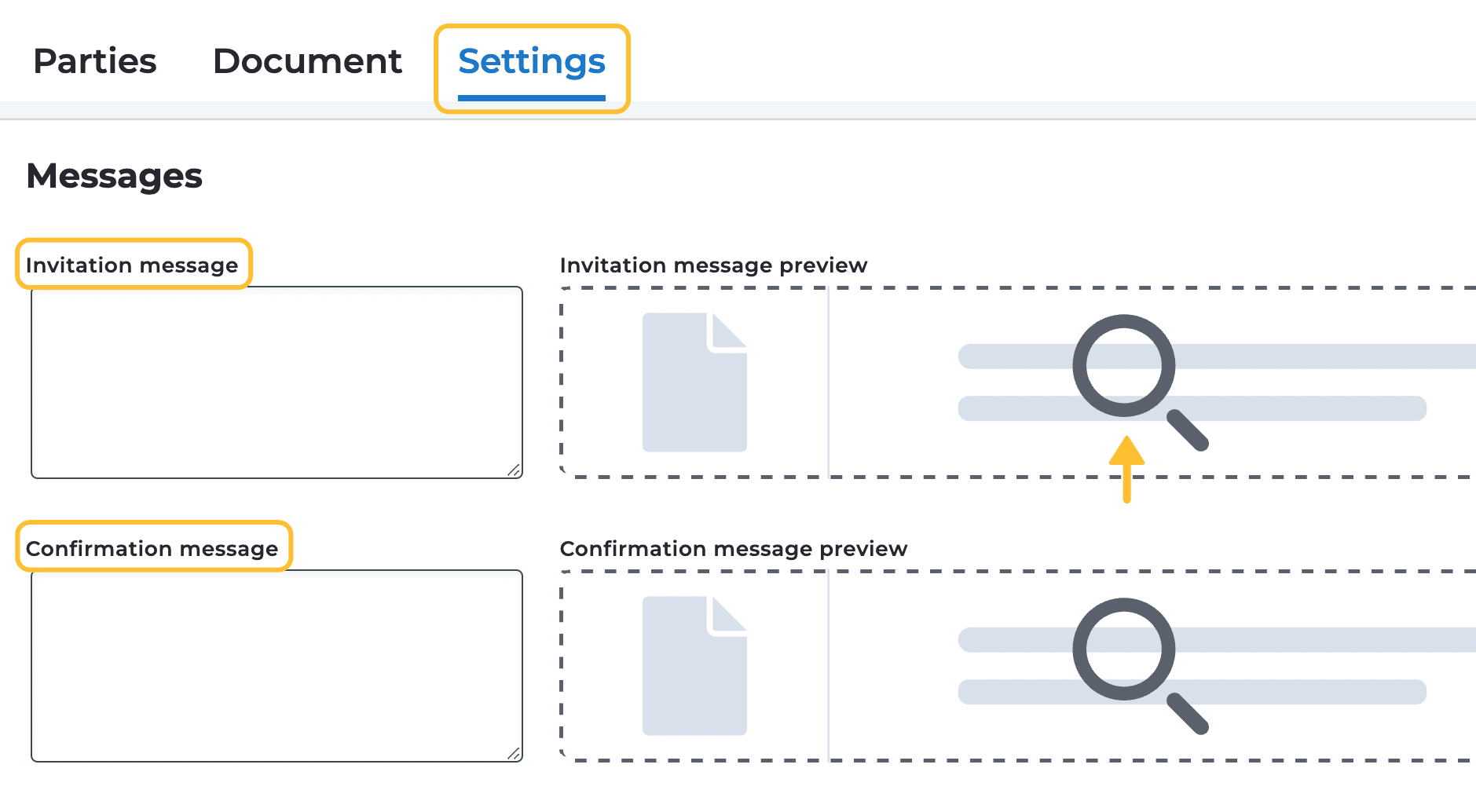
Let your parties know directly through the invitation or confirmation message about how long you’ll be away and where they can turn for assistance in the meantime.
You can add the invitation and confirmation message under the Settings tab whilst setting up the signing process.
To preview what your message will look like, click on the invitation/confirmation message preview to the right.
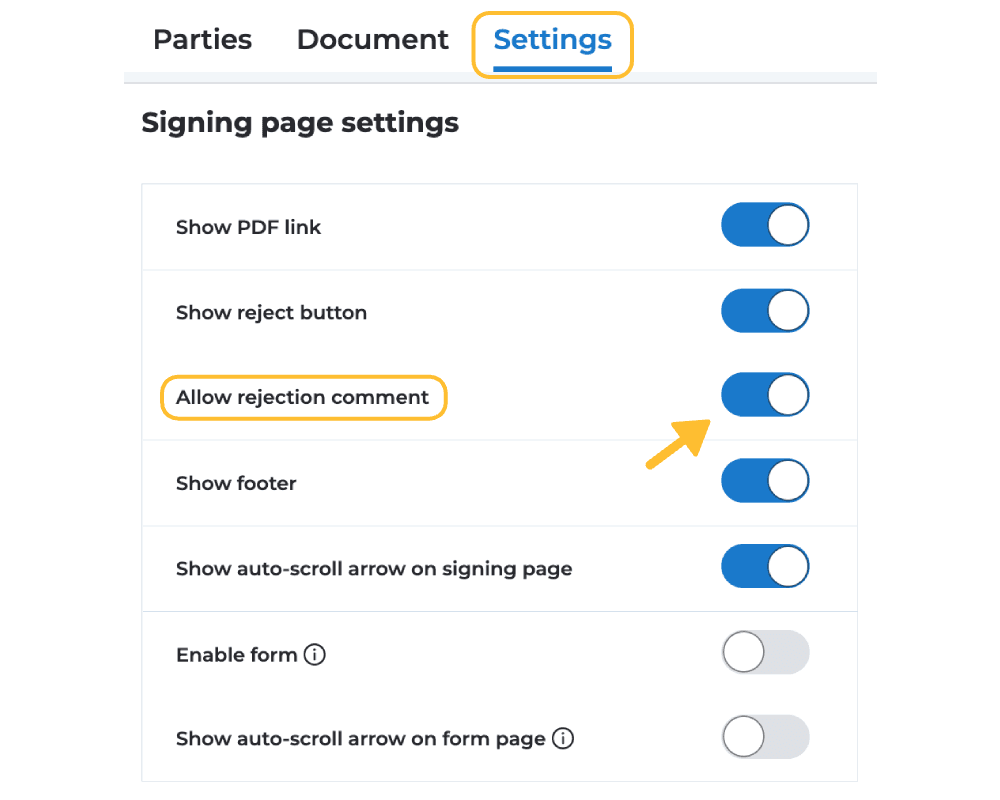
Activate the rejection comment setting under the Settings tab > Signing page settings to easily understand why a signatory has chosen to not sign the document. This allows you to directly address their concerns once you are back without needing any further explanations.
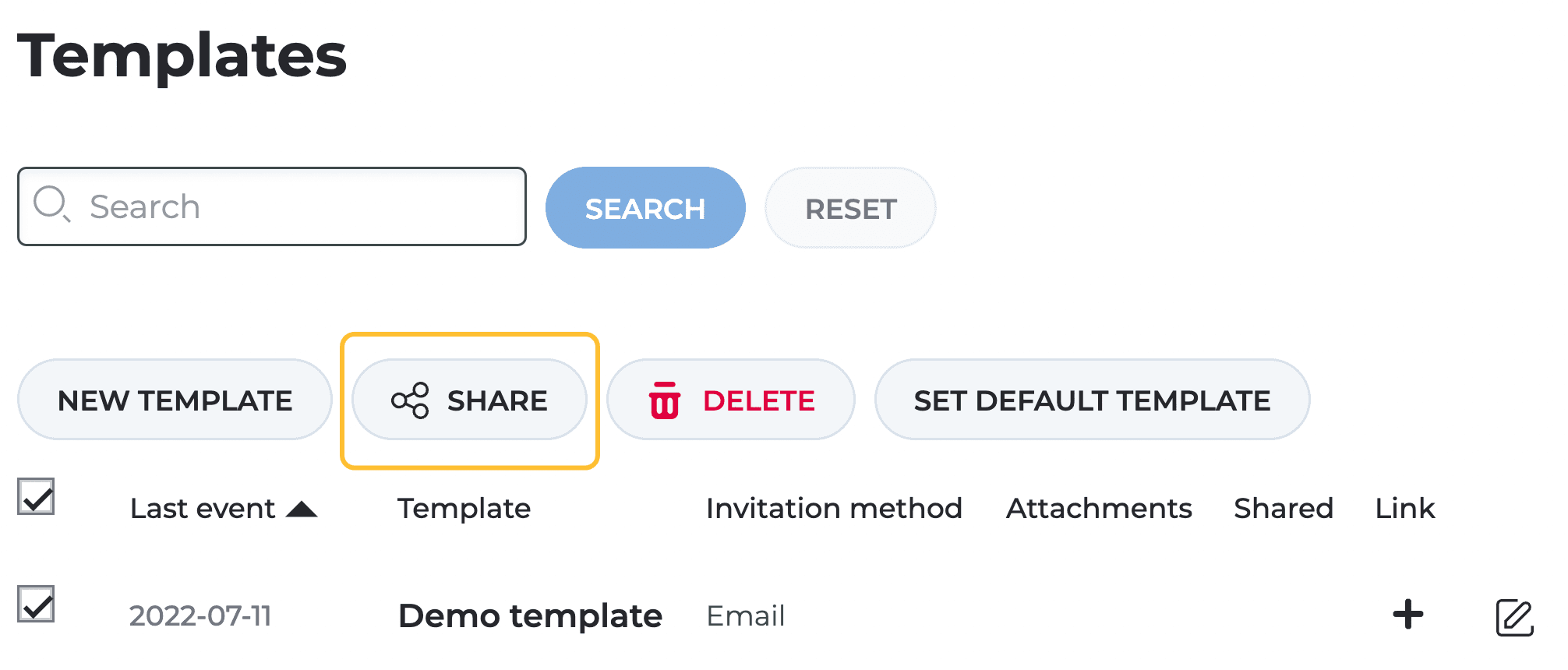
Before you sign off, ensure that you have shared any templates that may be useful for your colleagues. To do this, navigate to the Templates page in your E-archive, select the desired template, and click on Share.
Note that this feature is not included in the Essential price plan. If you are interested in upgrading your subscription, reach out to your contact at Scrive or our Sales team.

Never miss a renewal again. With Scrive’s expiration date reminder, you can set alerts for upcoming contract end dates and get notified before they expire. It’s quick to set up, helps you stay compliant, and saves time on manual tracking. Available with Scrive Enterprise and eSign API plans – reach out to us if you want to get started with it.
If you are delegating any admin tasks to a colleague, they may also find the following guide helpful.
User adminHere we have gathered our frequently asked questions, in case additional questions arise.
FAQ
See what you've missed from past Scrive webinars, sign up for future ones and let us know what you'd like to learn more about.
Read article
As organisations move away from paper-based processes, most contracts can be created, signed, and stored digitally.
Read article
What is digital signing? Learn the basics and create secure signing flows for your contracts in seconds with our guide.
Read article