How OneID works in Scrive: A simple, secure way to prove your identity
Posted by Jon-Thor Sigurleifsson
When you receive a document to sign through Scrive, you may be asked to verify your identity. OneID has brought bank-verified ID verification to the UK, built on technology that has been trusted for years across the Nordics.
Because digital identity checks are still relatively new in the UK, this guide walks you through exactly what you’ll see when signing with OneID in Scrive, and what happens in the background to keep your information safe.
What you’ll see when signing with Scrive + OneID
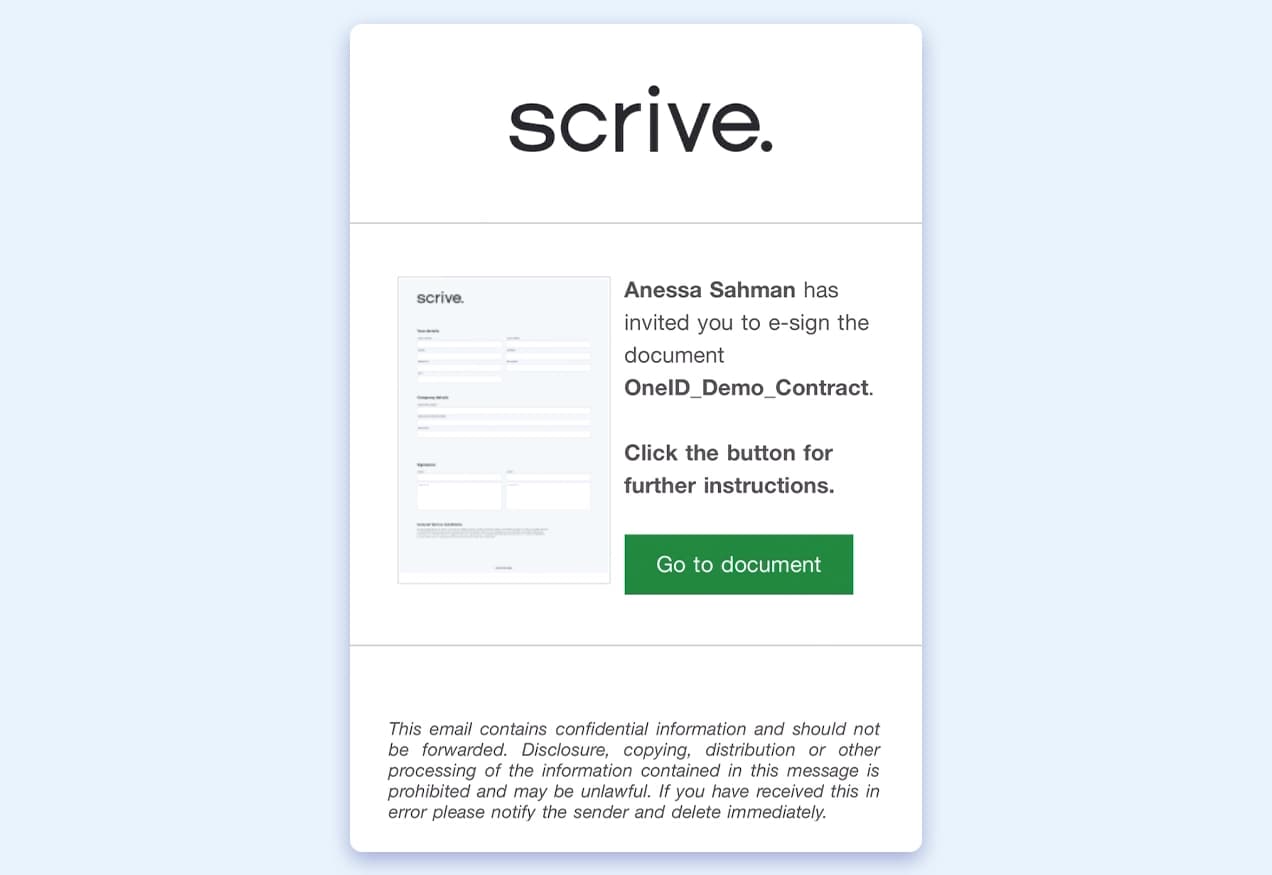
1. Open the Scrive document
You receive a link to a document sent via Scrive.
Before you can sign it, you may be asked to verify your identity, depending on the sender’s requirements.
In the UK OneID is one of the verification methods that the sender may choose for you to identify yourself.
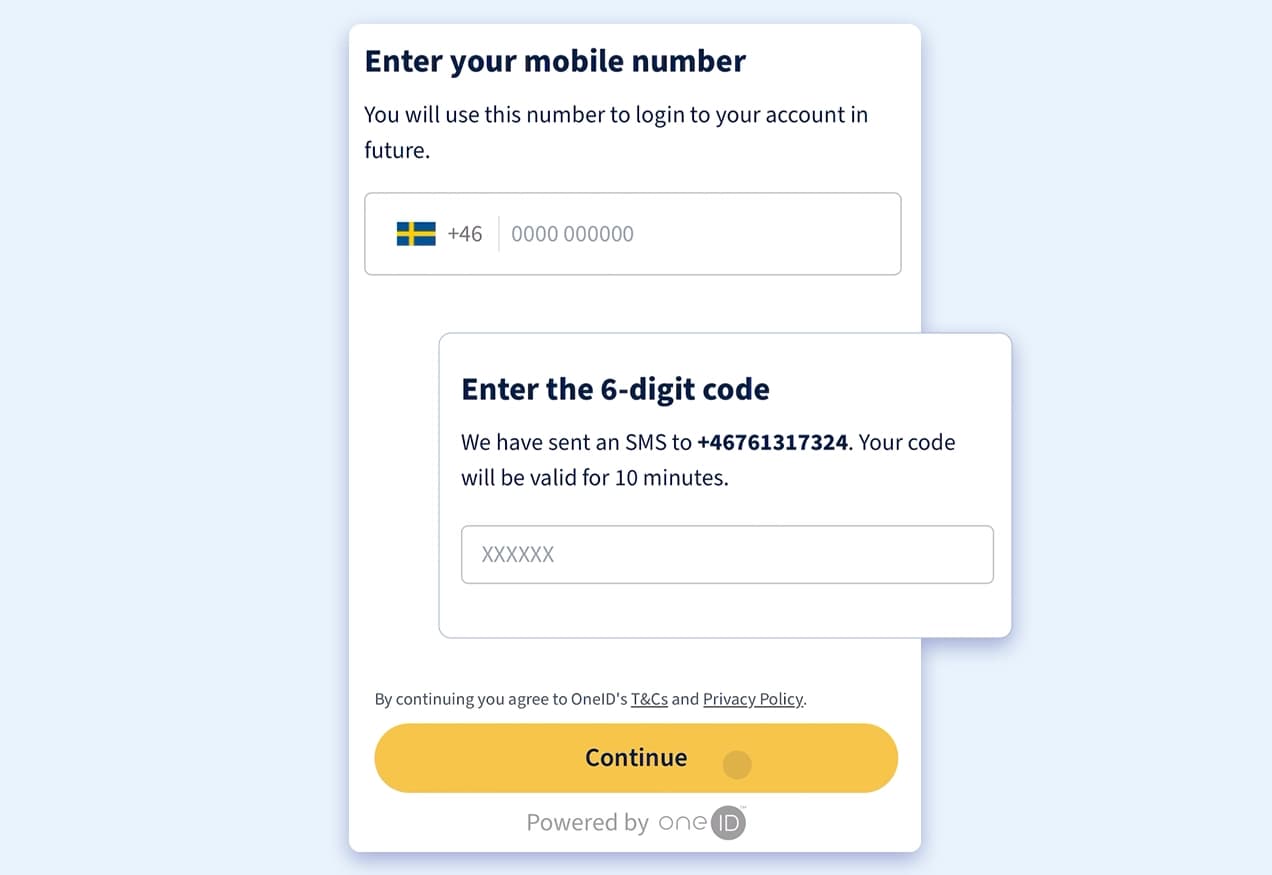
2. Confirm your phone number
You enter your mobile number and receive a one-time code. This simply confirms that the number belongs to you.
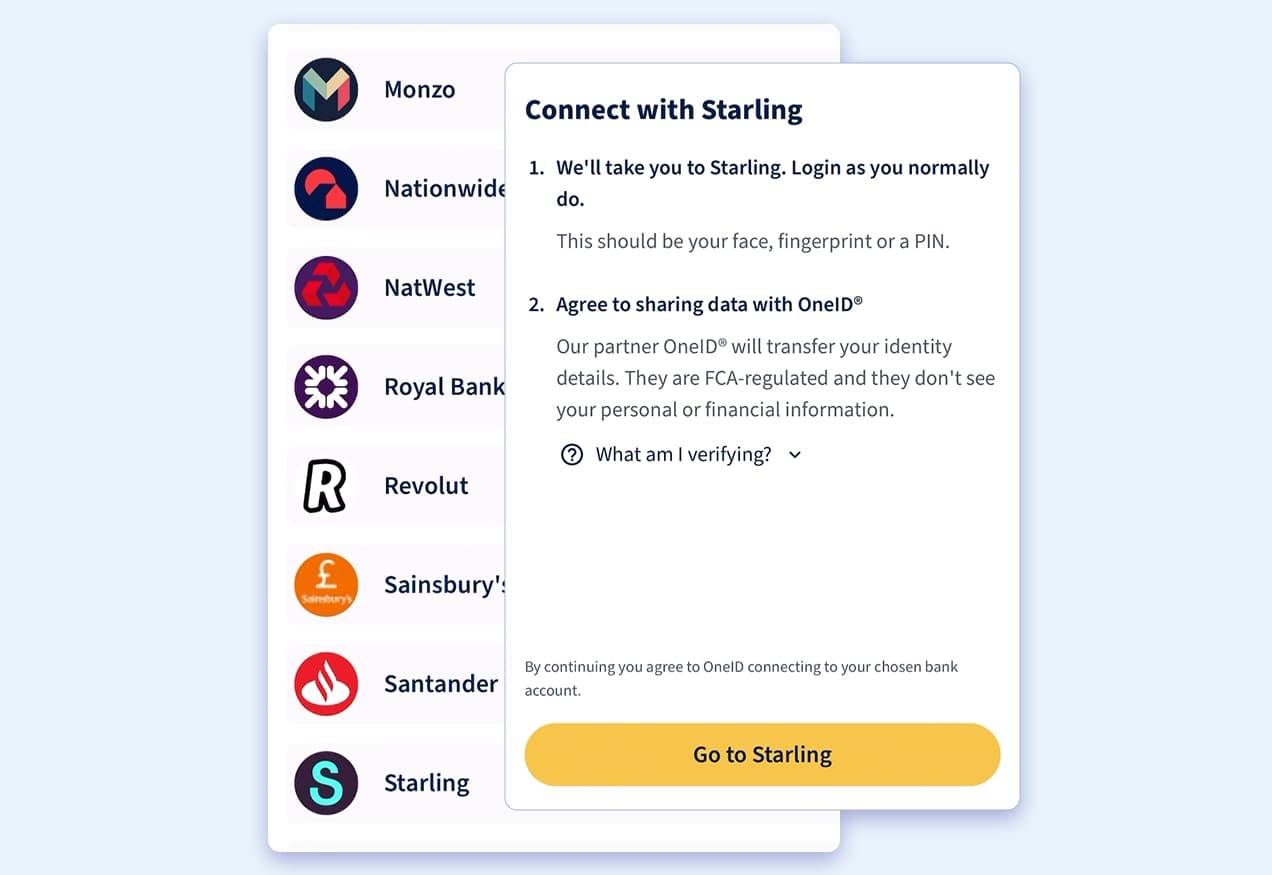
3. Log in via your bank
From here you simply pick your bank from a list and log into your online banking as you would usually.
There’s no need to:
- download an app
- scan documents
- take photos
- enter any information manually
You’re taken straight to your bank’s secure login page or banking app and you use the same method you always use: your banking app, biometrics, PIN, or however you normally log in.
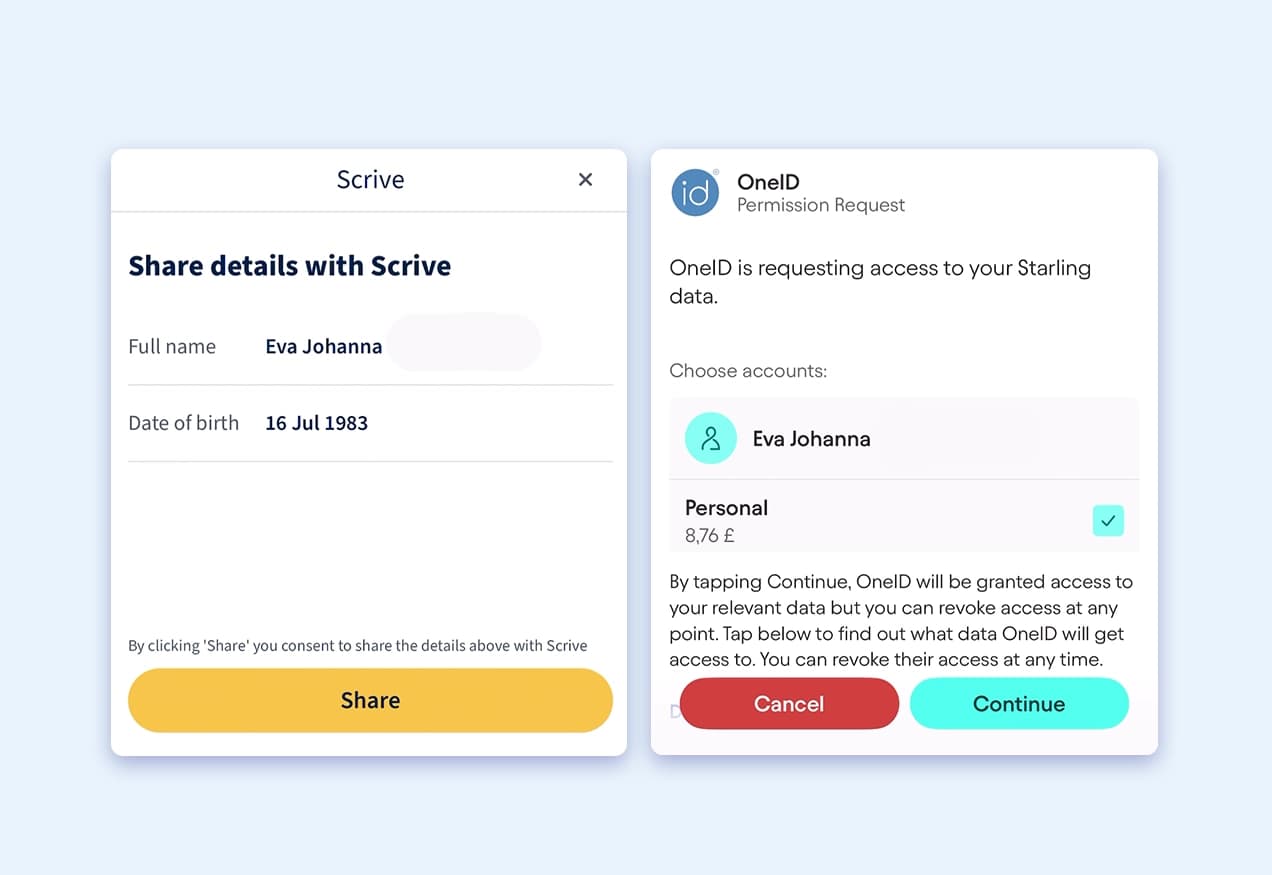
4. Approve what details will be shared
Your bank will show you exactly what information is being requested for the identity check.
This may include:
- your full name
- your date of birth
- your address
- or a simple confirmation that your details match the bank’s records
You review this list and choose whether to approve it, so you’re always in control.
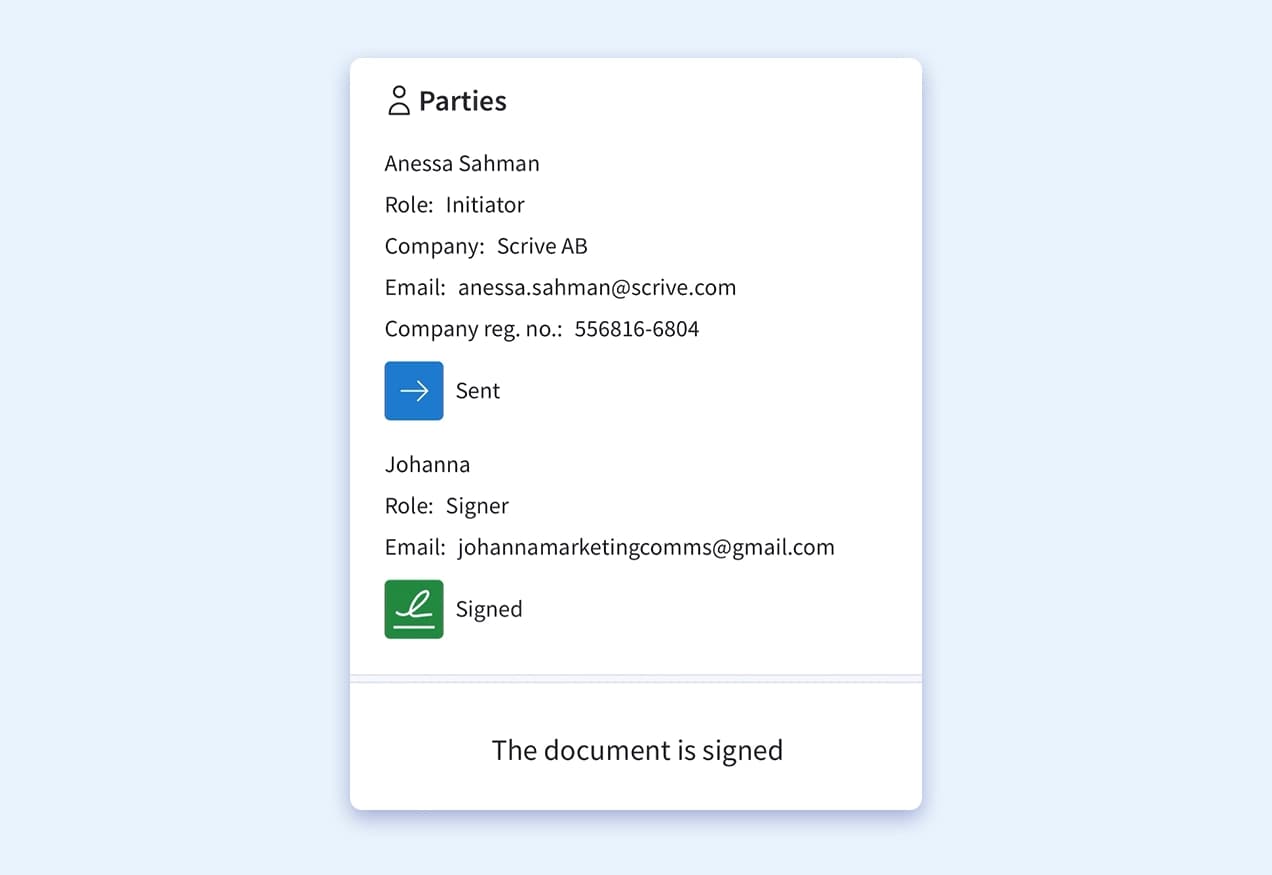
5. Your identity is confirmed instantly
Once you approve, your bank sends OneID only the specific attributes needed, nothing more and OneID passes these securely to Scrive.
You’re then returned to the document and can immediately start signing.
No delays, no manual checks, no unnecessary document uploads and the whole process is done in a matter of seconds!.
What Scrive and OneID do not see
Neither Scrive nor OneID ever see:
- your bank login
- your account number
- your balance
- your transactions
- your bank password or passcodes
- any financial data
These never leave your bank’s encrypted environment.
OneID only receives the specific identity details you consented to
For example:
- “This person is over 18”
- “This is their verified full name”
- “These details match bank records”
Nothing else is shared, stored, or reused.
Why this approach is safer and smoother
For UK users, bank-verified identity brings a better experience and higher security:
- You’re always in control of what’s shared
- No documents are uploaded, photographed, copied or stored (unless this has been specifically requested)
- No new passwords, apps or accounts are required
- Your bank handles your authentication using strong, regulated security
- Verification is instant, reducing delays or manual reviews
- Removes common risks such as document fraud, identity theft and deepfakes
Related articles

Is your business ready to trust AI agents?

How housing companies and cooperatives can future-proof their contract processes
Skills shortages, rising costs and growing obligations are putting increasing pressure on housing companies and cooperatives. One often-overlooked opportunity to create capacity lies in their own contract processes.
Read article